Your AI Meeting Assistant
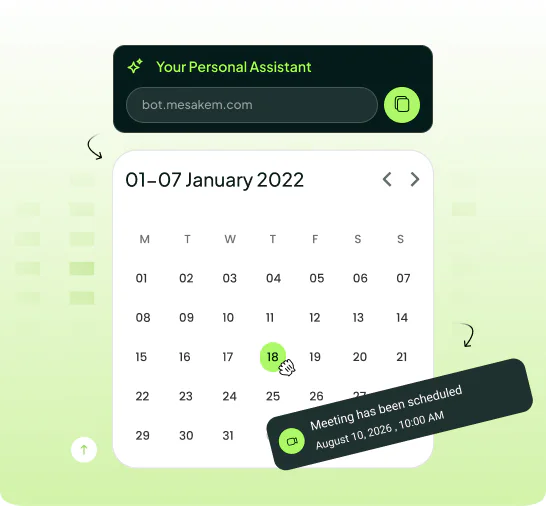
Mesakem joins Zoom, Teams and Google Meet as a visible bot, transcribes the conversation and returns a clear summary with decisions, tasks and owners.
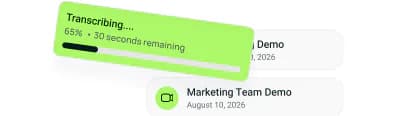
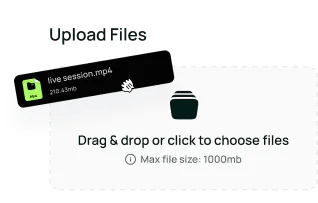
Connect one calendar and Mesakem automatically detects upcoming meetings, joins them, transcribes and analyzes, then emails a clean summary. You can also upload an existing recording, from your computer or phone.
Try Mesakem — it's free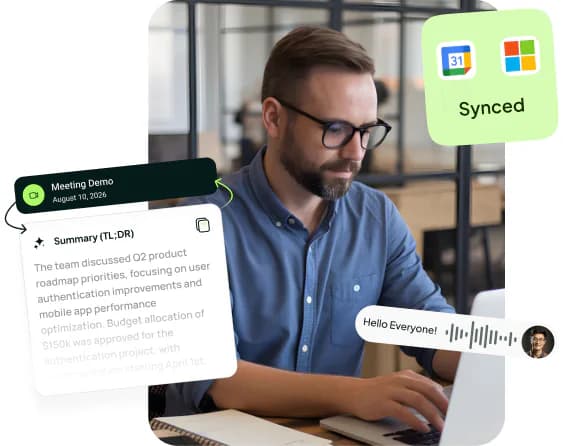
AI meeting notes that give your team a real edge: transcripts, summaries and tasks.
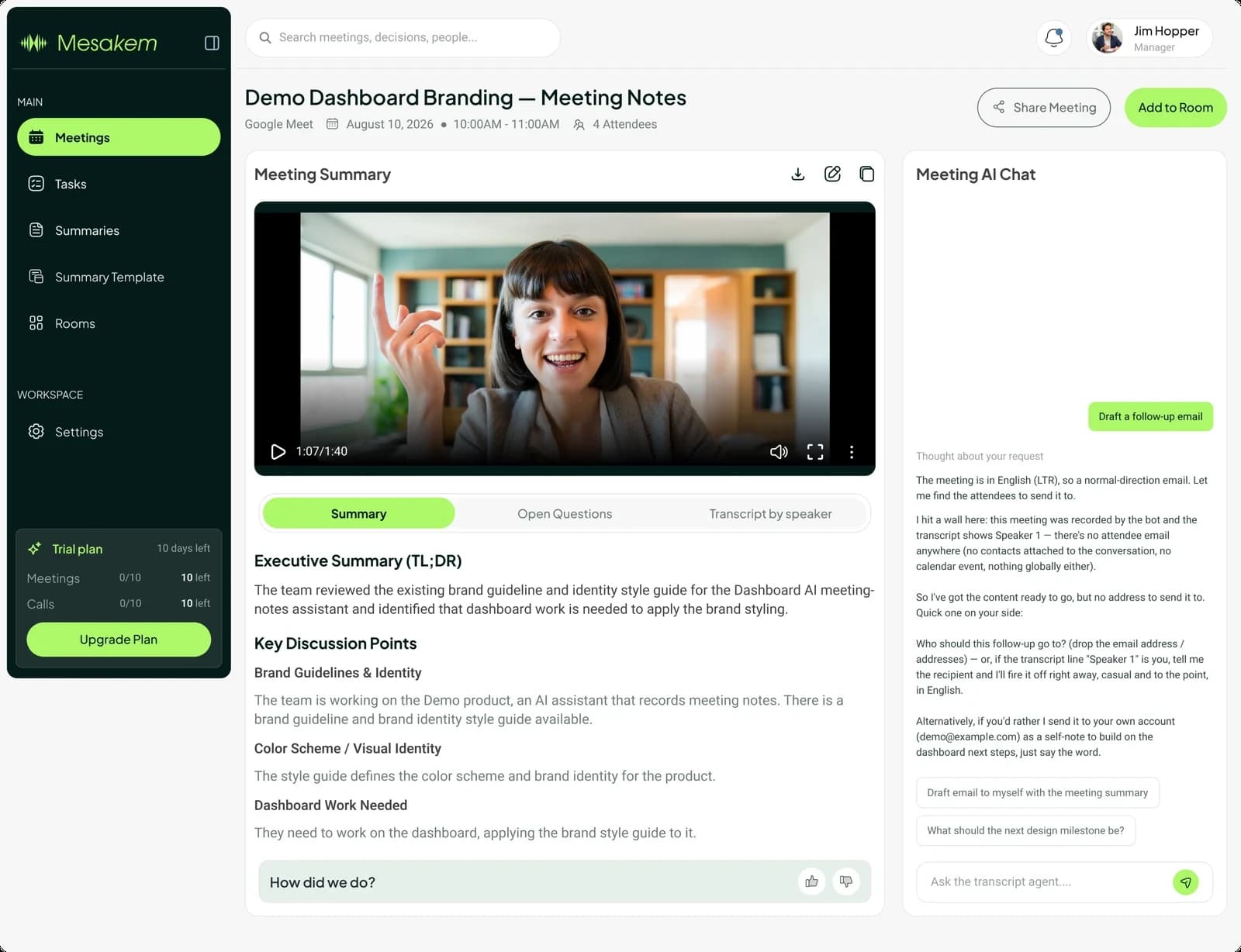
After the meeting or upload, Mesakem creates an analytical summary with decisions, open topics and tasks — then emails it to you automatically.
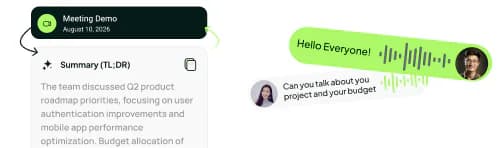
Built for real work with sensitive information: summaries go only to verified recipients, and the dashboard shows what happened and when.
Choose or build summary templates for sales calls, internal syncs, executive meetings, client conversations or any team format.
Connect your calendar once. Mesakem automatically joins meetings, transcribes every conversation, understands what matters, and delivers everything your team needs.
Send a Zoom / Teams / Meet link to Mesakem via email, calendar, or directly from Invite Mesakem on the dashboard. Done in 10 seconds.
It joins under a clear name, like any participant. Nobody is recorded without knowing.
Speaker-by-speaker transcription in dozens of languages — even when people switch languages mid-sentence.
Decisions, tasks and open questions — organised and emailed to you.
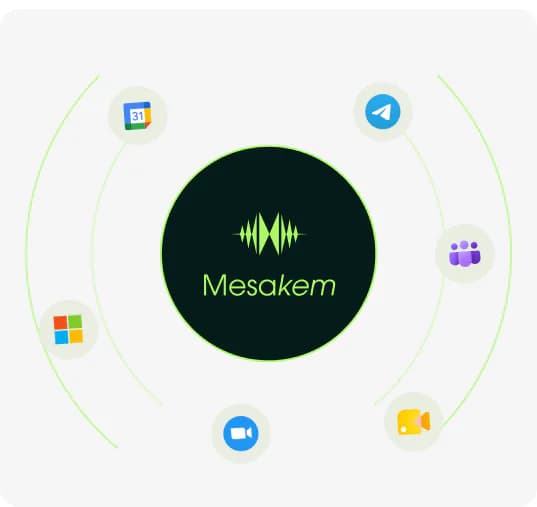
Seamlessly connect with the platforms your team already knows and uses every day with ease.
The same plan structure used in the dashboard: a real free trial, Pro for growing usage, and Business for organizations.
Prices are in US dollars. Local taxes may apply at checkout. Refund and cancellation policy
A serious trial before deciding: meetings, summaries and tasks.
What's includedFor businesses that want Mesakem working across every meeting and call.
What's includedScope and availability for each capability are agreed with our team.
What's includedCan't find the answer you're looking for? Contact our support team.
No. Once a calendar is connected Mesakem detects meetings on its own. You can still invite it manually or send it a link.
Zoom, Microsoft Teams and Google Meet, plus recordings you upload yourself or record on your computer with the Windows and Mac app.Zoom meeting summaries · Teams meeting summaries · Google Meet summaries
Mesakem transcribes, analyses, produces a summary with decisions and tasks, and emails it to your verified recipients.
Yes. Drop an audio or video file into the dashboard and Mesakem transcribes and summarizes it exactly like a live meeting.Meeting transcription
Yes, through summary templates — a format per meeting type.Meeting summary example
Transcription works in dozens of languages. The exact list appears in the transcription language selector and varies between bot meetings, the desktop app, uploaded files and calls. Summaries are written in Hebrew or English.
Yes. Share from the dashboard, or have them sent automatically to verified recipients.
No credit card: 10 meetings of up to 90 minutes, 15 phone call summaries and 60 minutes of smart dictation a month, with transcripts by speaker, summaries, tasks, recording uploads and summary templates.
Yes. Mesakem connects to AI assistants such as Claude, Codex and Grok as an MCP server, with your own permissions and read-only access. Once connected, ask the assistant about your meetings, summaries and tasks, and it answers from them.AI connectors guide
10 free meetings, no credit card. Connect Google Calendar or Microsoft 365 and let Mesakem give you back your time.