Mesakem guides
Hebrew transcription for Zoom, Teams and Google Meet
Mesakem joins your Zoom, Microsoft Teams and Google Meet meetings as a visible participant, transcribes the conversation in Hebrew, English or both, and sends a summary with decisions and tasks when the meeting ends. Prefer no bot? Record on your computer with the Windows and Mac app.
10 free meetings · No credit card
How do I get a Hebrew transcript of a Zoom meeting?
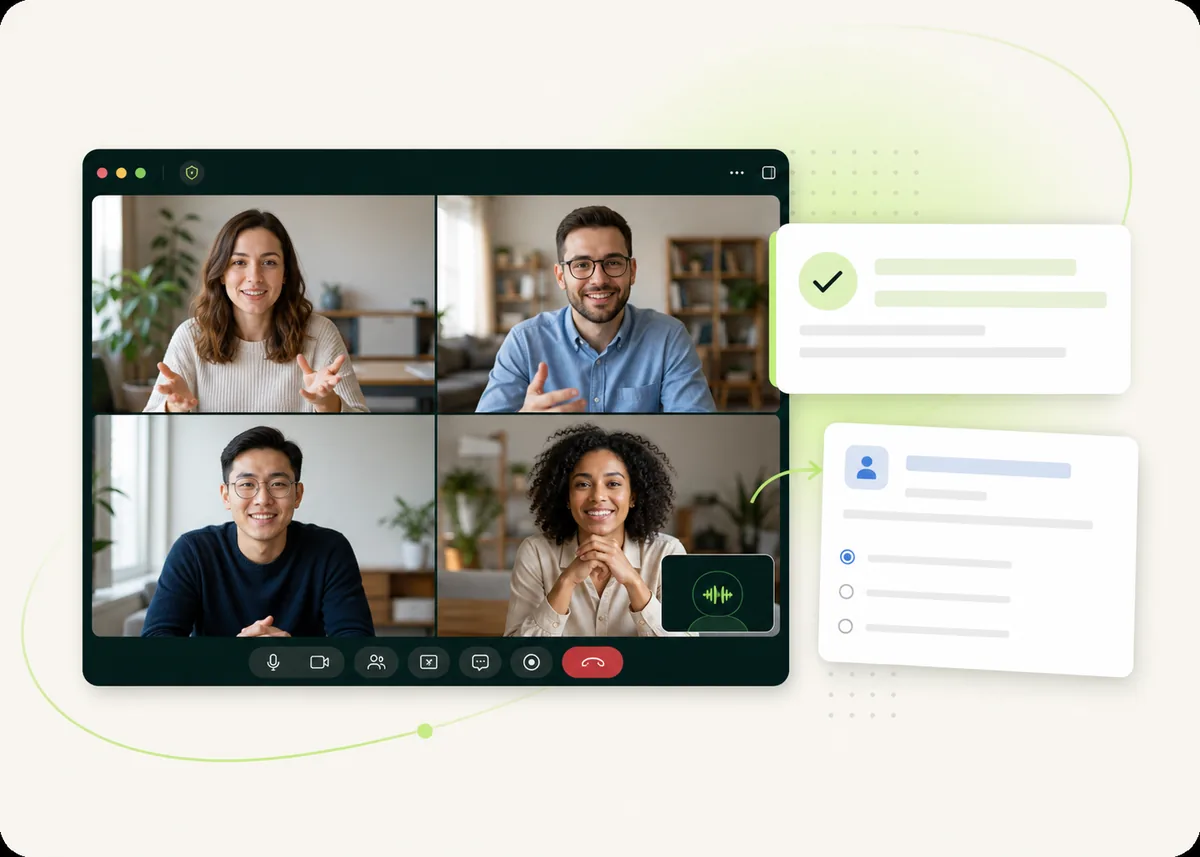
Connect Google Calendar or Outlook and Mesakem joins the meetings you choose, or paste a Zoom, Teams or Google Meet link into the dashboard. The bot asks to join like any other participant, and once the host lets it in, it transcribes until the meeting ends. Shortly after, the Hebrew transcript and the summary are ready.
It joins from your calendar, only where you want it
Mesakem reads your upcoming meetings from Google Calendar or Outlook and joins by itself. You decide which ones: all of them, external meetings only, or a single meeting from a series. You can also send it to any meeting by pasting the link.
A visible participant, not a hidden recorder
The bot appears in the participant list with your name on it, so everyone in the meeting knows it is being transcribed. The host stays in control and can let it in or remove it.
- Zoom
- Microsoft Teams
- Google Meet
No bot? Use the desktop app
For in-person meetings, sensitive conversations or any platform without a bot, the Windows and Mac app records on your computer and produces the same transcript and summary.
What you get after each meeting
- A transcript separated by speaker, in Hebrew, English or both
- A summary in Hebrew or English
- Decisions, tasks, owners and due dates
- An email with a Word file, a share link and your dashboard
- Answers to your questions about the meeting, with links to the source
Questions and answers
Does the host need to let the bot in?
Usually, yes. The bot asks to join like any guest, and if the meeting has a waiting room, the host admits it.
Can I transcribe a Zoom meeting in Hebrew without a bot?
Yes. Record it on your computer with the Mesakem app for Windows and Mac, or upload the recording afterwards from the dashboard.
Does it work in English, too?
Yes. For meetings the bot joins, the spoken language is detected automatically, so Hebrew, English and meetings that mix both are all handled. Summaries are written in Hebrew or English.
How long can a meeting be?
Free meetings are recorded for up to 90 minutes each. Pro is made for longer meetings and has unlimited meetings.
How much does it cost?
Your first 10 meetings are free, up to 90 minutes each, with no credit card. That is a one-time allowance, not a monthly one. Pro is $29 a month, or $19 a month billed annually, with unlimited meetings.
Are my meetings used to train AI?
No. Your meetings, recordings and transcripts are not used to train AI models. They are visible to you and to the people you choose to share them with.
Try it on your next meeting
Your first 10 meetings are free, no credit card. Connect your calendar and the first summary arrives after your next meeting.
Start free — 10 meetings